 Top Lists for USA
How To Download Exness App
Exness centers its mobile setup on a single app: Exness Trade, used for opening accounts, funding, and placing trades. The broker used to run a separate Exness Social Trading (Copy Trading) app too, but that service has been discontinued. Follow our 4-step guide to download the Exness app to Apple or Android devices.
 Written By
Christian Harris
Christian is a seasoned analyst, leveraging his expertise in stocks, forex, and crypto to evaluate brokers worldwide. With hands-on trading experience and a strong focus on risk management, he helps traders find reliable platforms. Christian's work for BrokerListings.com has been cited in the Financial Times.
Christian Harris Profile Page Fact Checked By
Tobias Robinson
Tobias is committed to helping traders find the right brokerage for their needs. He has tested 200+ brokers, spent 2,600+ hours using different platforms, and placed 2,100+ trades.
Tobias Robinson Profile Page Edited By
James Barra
James is an experienced broker analyst with a background in financial services. He has spent 2,500+ hours testing brokers, used 35+ different platforms and apps, audited 120+ broker T&Cs, and verified 300+ regulatory licenses. James has also been on US and UK TV, and been a guest on finance podcasts, discussing reports conducted by BrokerListings.com and sharing his expertise.
James Barra Profile PageOctober 7, 2026
Download Steps
To download the main app, where it’s available:
- On Android, open Google Play and search for Exness. Confirm the publisher shows as Exness before you install. Lookalikes turn up in results.
- On iPhone or iPad, open the App Store, search for Exness Trade, and check that the developer name matches.
- From the official site or Personal Area, use the download link Exness provides, which routes you to the correct listing (or the Android package where the store version isn’t offered). This is the safest way to sidestep clone apps.
- Log in or register. Existing users sign in with their Personal Area email and password. New users can create an account inside the app in a few minutes. Exness minimum deposit requirements are accessible.
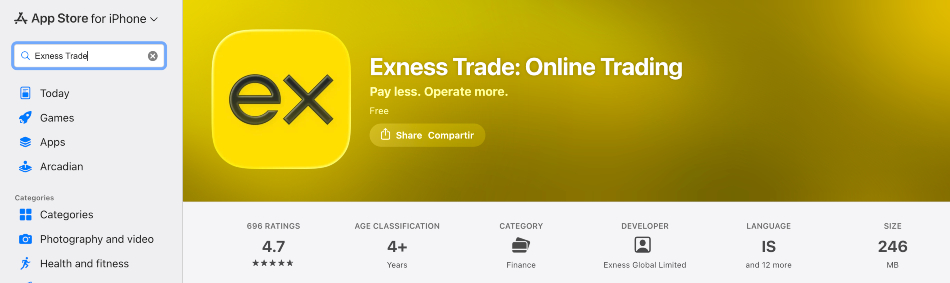
App Store
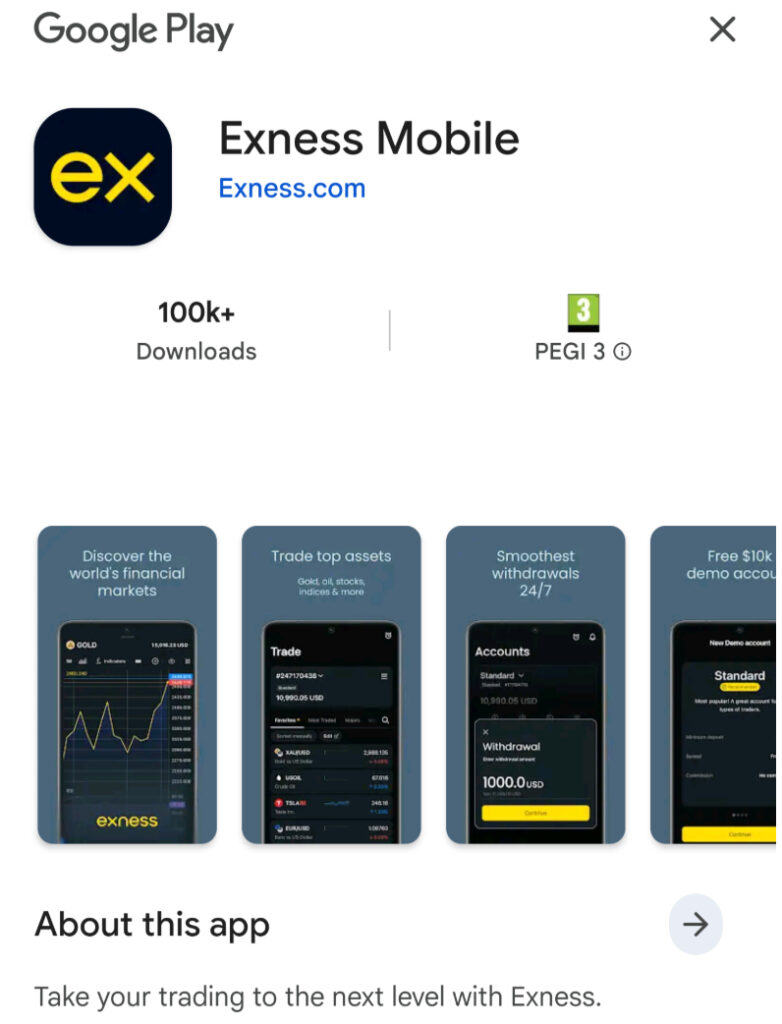
Google Play
Prefer MetaTrader? Download the MT4 or MT5 app separately, then log in with your Exness trading account number and server. The MetaTrader apps and Exness Trade pull from the same account, so it comes down to which interface you like.
On our test phones (iPhone 15 and Samsung Galaxy S22), the Exness Trade app opened to a clean dashboard and supported Face ID and fingerprint login, so you don’t have to retype your password every session. It also pushes price and margin-level alerts, which pay for themselves if you hold positions overnight.
App Restrictions
The Exness Trade app isn’t listed in every App Store or Google Play region – we checked. Because Exness doesn’t serve retail clients in some markets (the US, UK, and EU among them) and stopped accepting new Indian sign-ups in July 2025, the app may not be available in your country’s app store.
Where the store version isn’t offered, the official site sometimes provides a direct Android download instead, and in fully restricted regions, there’s no compliant way in.
If it’s not available, you may want to check our pick of the best apps for online trading.
Is The Exness Copy Trading App Still Available?
No, Exness officially discontinued its Social Trading and Copy Trading service, with no new users being onboarded. The Copy Trading app was pulled from the App Store and Google Play early in the year; new strategies and investments were closed from February, and remaining copied positions were automatically closed, with strategies archived by late June 2026, followed by final performance-fee payouts to strategy providers.
Client funds stayed intact, and former strategy and investment accounts converted into standard trading accounts you can keep using. If you land on an older guide walking you through installing an Exness copy-trading app, it’s out of date.