 Top Lists for USA
Best AstroPay Brokers 2026
AstroPay is a digital wallet, similar to PayPal, that lets you hold and spend money online, including to trading accounts. Discover the best brokers with AstroPay deposits and withdrawals following our hands-on payment tests.
 Written By
Christian Harris
Christian is a seasoned analyst, leveraging his expertise in stocks, forex, and crypto to evaluate brokers worldwide. With hands-on trading experience and a strong focus on risk management, he helps traders find reliable platforms. Christian's work for BrokerListings.com has been cited in the Financial Times.
Christian Harris Profile Page Fact Checked By
Tobias Robinson
Tobias is committed to helping traders find the right brokerage for their needs. He has tested 200+ brokers, spent 2,600+ hours using different platforms, and placed 2,100+ trades.
Tobias Robinson Profile Page Edited By
James Barra
James is an experienced broker analyst with a background in financial services. He has spent 2,500+ hours testing brokers, used 35+ different platforms and apps, audited 120+ broker T&Cs, and verified 300+ regulatory licenses. James has also been on US and UK TV, and been a guest on finance podcasts, discussing reports conducted by BrokerListings.com and sharing his expertise.
James Barra Profile PageNovember 10, 2026
Filters
How We Identified The Top AstroPay Brokers
We filtered our 58-strong database for brokers listing AstroPay, then kept only those that:
- Show AstroPay on their own deposit or help pages
- Let you withdraw back to AstroPay, not just deposit
- Name the company holding your account, so you can check its license
Those that passed were scored with the same 200+ point model behind our broker reviews.
Most currencies on its currency list are Latin American, so you’ll often find it on broker deposit pages in that region. Keep two things in mind. The company holding your money depends on the country you sign up in. And once your deposit reaches your broker, AstroPay can’t reverse it, so only the broker can return the money.
How To Choose A Top Broker For AstroPay Payments
Fees
A broker’s “free deposits” only covers the broker’s own charge. AstroPay can add its own fees:
- Topping up your wallet: AstroPay fees can cost 3.29% for debit cards and 4% for credit cards in Brazil, 3.5% for cards in Argentina, and 3% in Peru. Adding $500 by Brazilian credit card costs $20.
- Paying from the broker’s page: AstroPay calls this OneTouch, and it skips the wallet top-up. It isn’t always cheaper, though. In Peru, Pago Efectivo costs 1% this way, against 0.5% through the wallet.
- Currency conversion: AstroPay adds a small markup to the exchange rate. Its terms for users outside the UK and the European Economic Area (EEA) say money added in other currencies is converted to US dollars, then converted back when you cash out. A US dollar trading account avoids a third conversion at your broker.
- Cashing out: the same terms say a fee generally applies to bank withdrawals. The app shows it before you confirm.
Payment Speed
AstroPay sends deposits instantly, but your broker decides when the money appears in your trading account. The setup is the slowest part.
AstroPay won’t activate your wallet until your ID is verified, which can take up to 48 hours from my experience, so complete this step a few days before you plan to trade.
Getting Money Out
Cashing out involves two steps. First, your broker sends the money to your AstroPay wallet, if AstroPay withdrawals are available. Then AstroPay transfers it to your bank account, which typically takes up to 72 business hours during my testing.
Business hours don’t include weekends, so if money is sent to your bank on a Thursday, it might not arrive until the following Tuesday. Make sure your broker allows AstroPay withdrawals before you deposit. withdrawals before you deposit.
Security
AstroPay’s has companies overseen by regulators in the UK, Denmark, the Isle of Man and Brazil. This means that the country you sign up in decides which one holds your money.
Also, your wallet is not a bank account. For example, UK balances are not protected by the FSCS, which covers bank savings, and the Isle of Man’s compensation scheme doesn’t cover them either. AstroPay keeps customer money separate from its own funds.
This is important if something goes wrong. In April 2024, AstroPay’s UK company agreed with the FCA, the UK regulator, to stop signing up new customers, taking new deposits, and paying out balances without permission. The ombudsman ruling said a customer’s £84.47 refund had to wait until these limits were lifted. AstroPay reopened to new UK users in July 2025.
Rules And Limits
- Your name only: top-ups must come from cards and accounts in your name, and cash-outs go to your own bank account.
- One wallet per broker account: AstroPay may block deposits if you use one wallet for two accounts at the same broker, or if two wallets fund one account.
- Limits depend on verification: The amount you can withdraw depends on your verification level and your country.
- Paperwork for larger amounts: In Argentina, AstroPay asks for proof of income once your transactions reach $1,500. If you miss the deadline, its terms allow a fee of up to $30 per month.
How To Make An AstroPay Deposit
These steps follow a typical broker deposit process. Button names may differ between brokers, but the order stays the same. Our broker reviews list the payment methods each broker accepts.
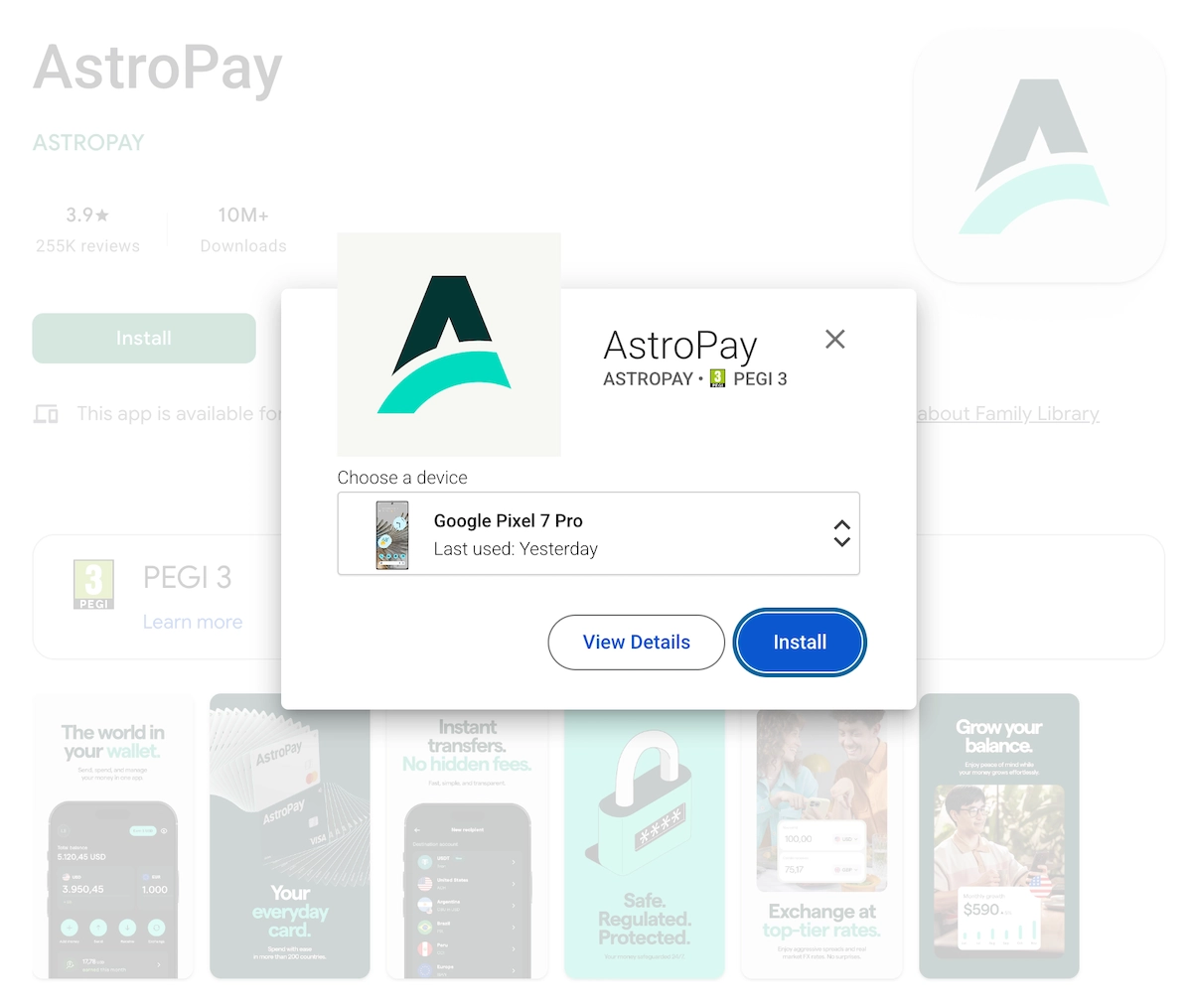
1. Set up and verify AstroPay. Download the app and create an account. Tap your profile icon at the top left, then ‘Complete Profile’ and ‘Validate Your Identity’, and upload your ID. From my experience, approval can take up to 48 hours.
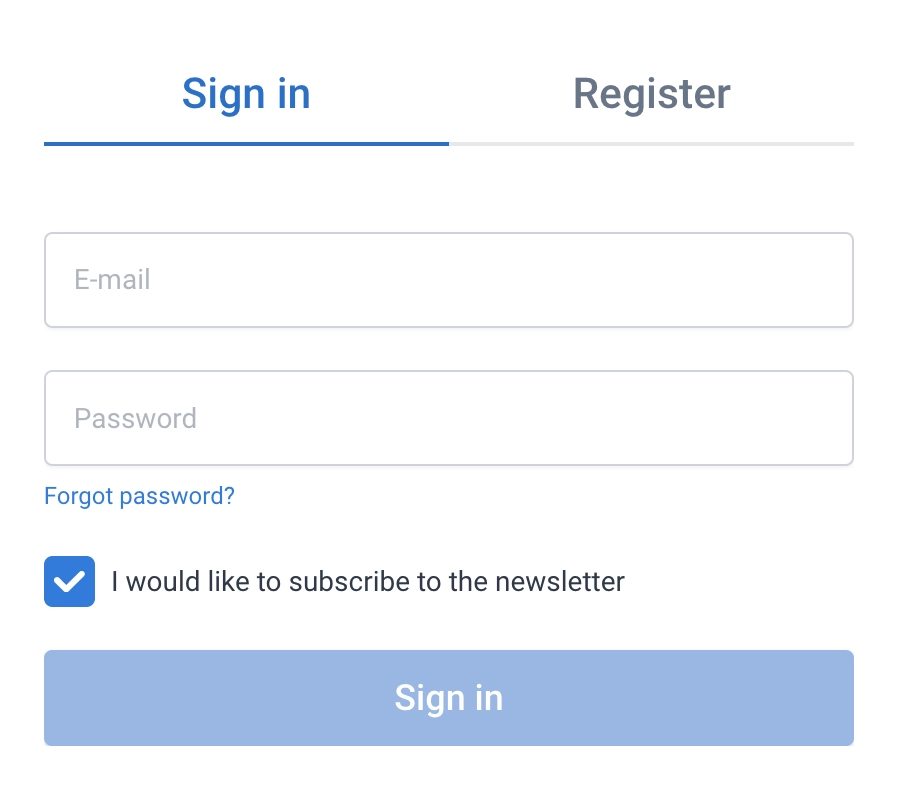
2. Log in to your broker. Use its website or app.
3. Open the deposit page. Look for ‘Deposit’, ‘Fund Account’ or ‘Add Funds’, then pick the trading account you want to fund.
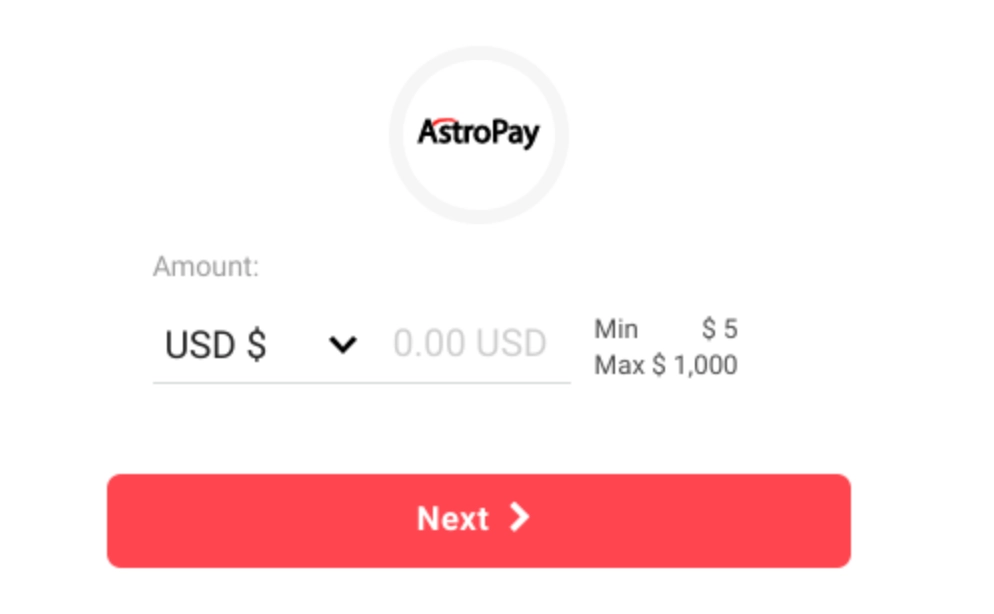
4. Choose AstroPay and an amount. Check the minimum deposit and the currency.
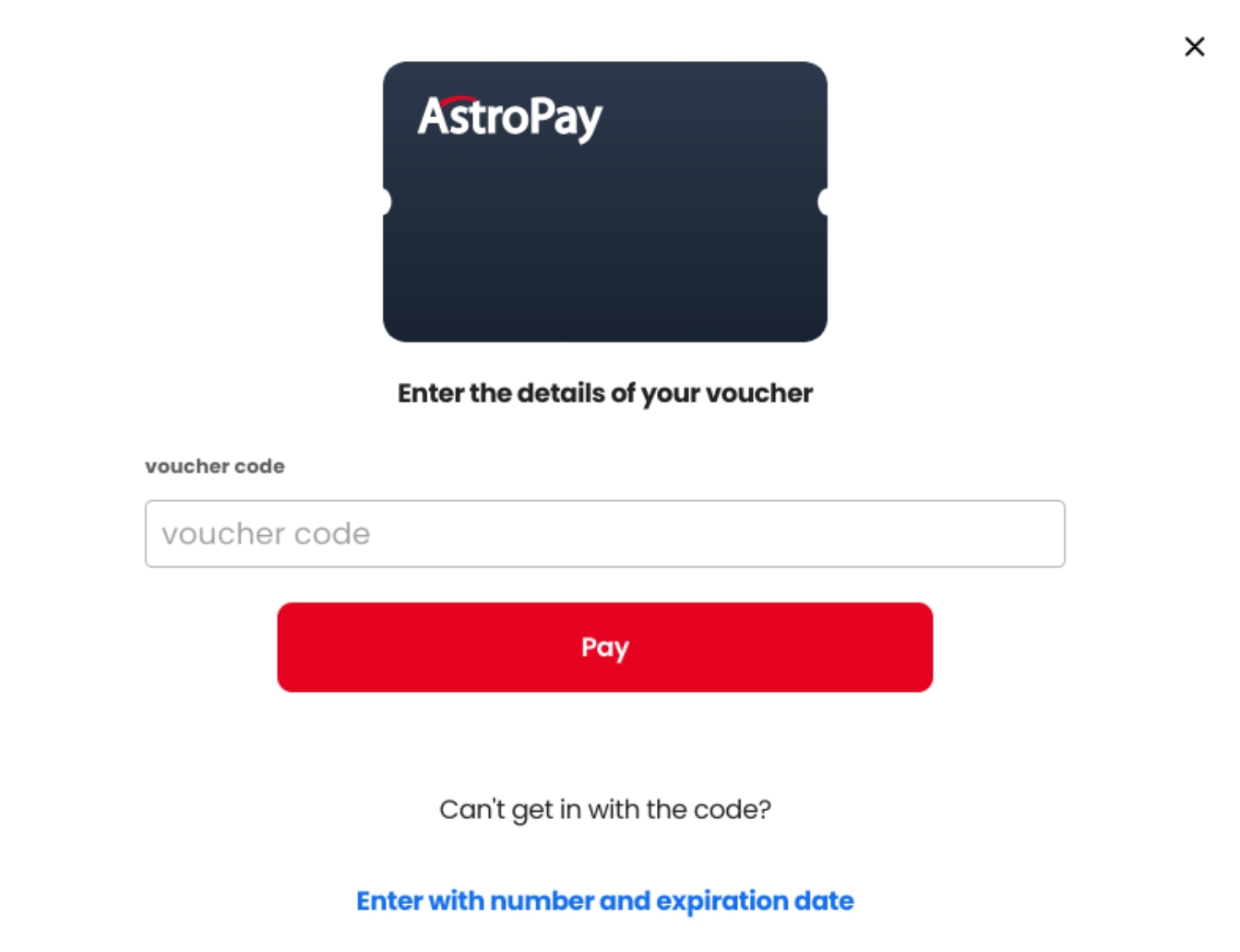
5. Sign in to AstroPay. On the AstroPay page, enter the mobile number linked to your wallet or your voucher details.
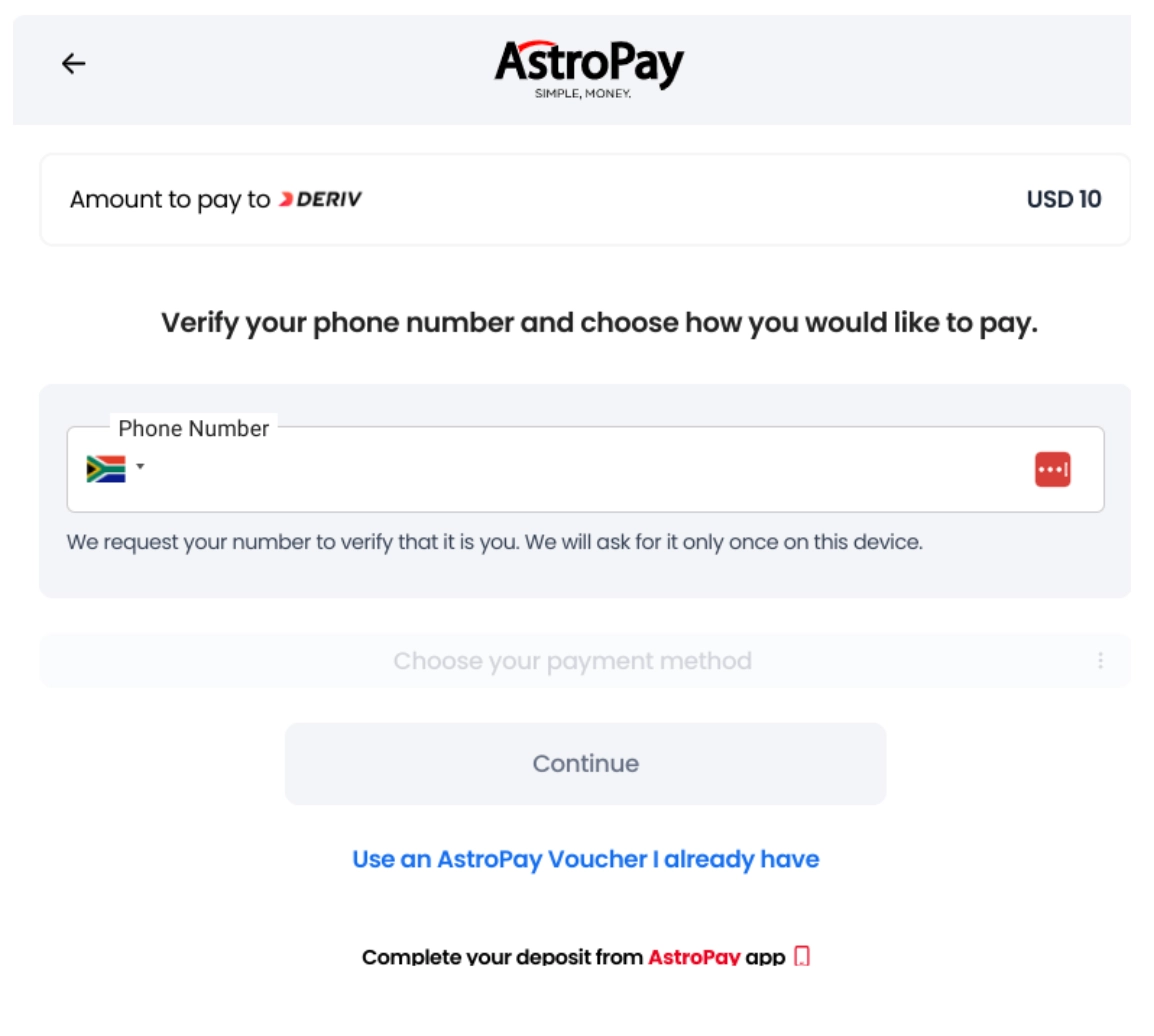
6. Check the fee and tap Pay. Pay from your balance, or use a local method if offered.
7. Make sure it arrived. Check ‘Transaction History’ in the AstroPay app and your broker’s deposit history. If AstroPay shows the payment as complete but your broker doesn’t, send the broker the AstroPay transaction ID.
Alternatives To AstroPay
- Skrill: another e-wallet many brokers accept for deposits and withdrawals. See our top Skrill-accepting brokers.
- PIX: if you live in Brazil, you can pay a broker straight from your bank account. See our best PIX payment brokers.
- Debit card: no wallet top-up fee, though your bank may charge for paying a broker abroad. See our top brokers that accept debit card.
- PayPal: Another e-wallet. See our best brokers that allow PayPal.
Alternatively, compare every option in our payment methods hub for trading.
Bottom Line
AstroPay is a fast way to fund an online trading account, but costs vary by country and payment method. Compare fees for each option, use a US dollar trading account if possible, get verified early, and transfer profits to your bank.
FAQ
Can I Withdraw Trading Profits To AstroPay?
Yes, if your broker offers it. Moving money from AstroPay to your bank can take up to 72 business hours.
What’s An AstroPay Voucher And Can It Be Used For Online Trading?
A prepaid code you buy with your AstroPay balance, a bit like a gift card. Some brokers accept it instead of a wallet sign-in.